Role-based access control
Give each person exactly the access they need. The User Portal manages users, roles and vessel access in one place, so office staff, superintendents and crew each see the right modules and the right vessels.
A user list with name, email, assigned role badges and join date, and a quick way to review an account.
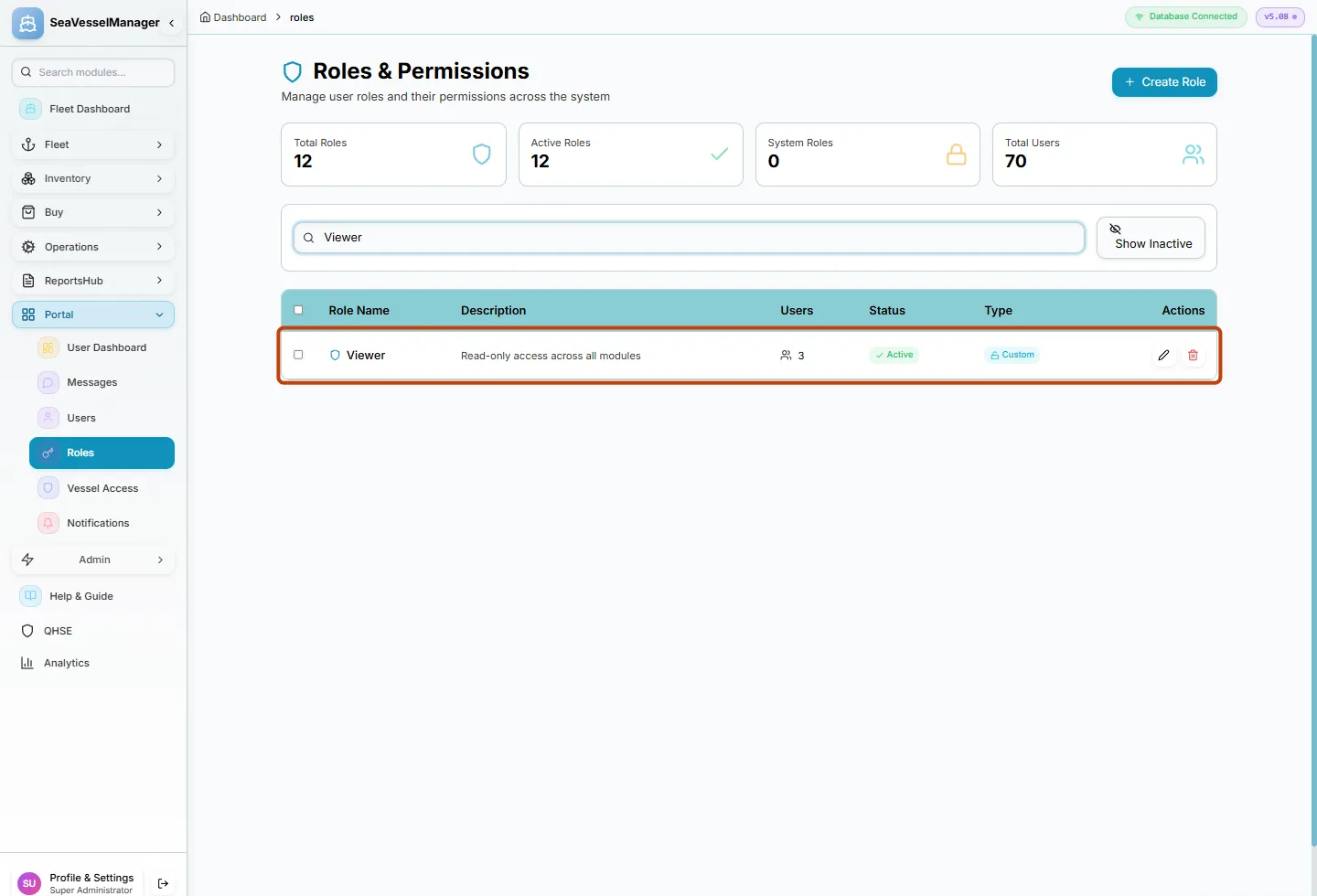
Create custom roles and set View, Create, Edit and Delete per module in a searchable permission matrix.
Group vessels into fleet groups and give members view or manage access, so people only see the vessels they are responsible for.
A built-in full-access administrator role for the person who sets the system up, kept separate from everyday roles.
Filter login audit events and open any event to see its details, which is useful for access reviews.
Messages and notifications live in the same portal, and Company Theme settings let you match the look of the system to your company.
Every module checks permissions, and access to each vessel is granted separately. A role can read a module without being able to change it, and a user only sees the vessels in their groups.
Learn how it works in the official documentation. The guides themselves are in English.
Real-time fleet overview with live telemetry and fleet-wide KPIs
SFI-based classification for all ship components
Work order management with preventive scheduling
Vessel-specific allocation with stock monitoring
Track certificates with expiry alerts
Advanced analytics with dashboards
Procurement workflow from requisition to PO
Plan voyages with port calls, cargo and fuel
Crew records, certificates, availability and hours of rest
Plan a dry-docking from specification to yard quote
Cargo manifests for every voyage
Medical stock, kits and inspections
Move equipment between vessels and keep its history
Checked running-hours counters that drive maintenance
Incidents, inspections and corrective actions
A document library with versions and approval
Class surveys, findings and requirements
Can the vessel sail? The status and what blocks it
Book a demo or request free access. No credit card required.