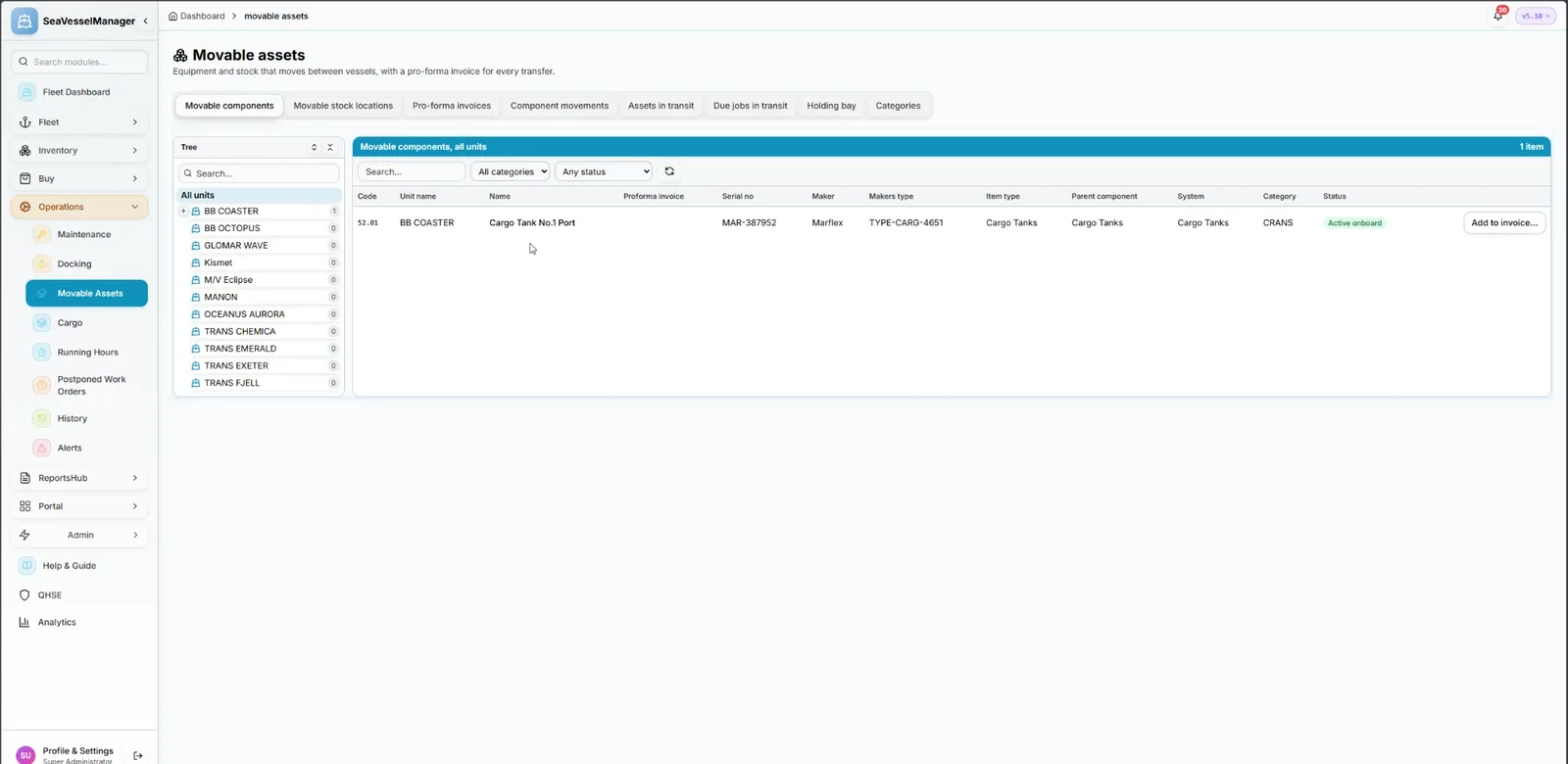
Move equipment between vessels with a pro-forma invoice and keep its history
Mark a component as movable on its equipment record, then send it to another vessel on a pro-forma invoice. Its jobs, history and running hours go with it.
Tick Movable asset on a component and choose a category. Its sub components travel with it.
Every vessel in a tree, each opening to what is movable on it, with sub components nested under their parent.
A shipping list of components and stock locations, packages with weight and volume, a handling company and a tracking number.
Approve, pack, send, receive and finish, each step with a right of its own and every change kept in a history.
Pause the scheduled jobs while an asset travels, and switch them on again with the due-date rule you choose. Running hours stop while it moves.
Views for assets in transit, the movement history of each component, and a holding bay on the receiving vessel.
When a component is received, its jobs, schedules, history, running-hours counters and documents move to the receiving vessel with it. Only vessels set up to receive the category can be chosen as receiver.
Real-time fleet overview with live telemetry and fleet-wide KPIs
SFI-based classification for all ship components
Vessel-specific allocation with stock monitoring
Track certificates with expiry alerts
Advanced analytics with dashboards
Procurement workflow from requisition to PO
Plan voyages with port calls, cargo and fuel
Crew records, certificates, availability and hours of rest
Plan a dry-docking from specification to yard quote
Cargo manifests for every voyage
Medical stock, kits and inspections
Move equipment between vessels and keep its history
Checked running-hours counters that drive maintenance
Incidents, inspections and corrective actions
A document library with versions and approval
Class surveys, findings and requirements
Can the vessel sail? The status and what blocks it
Role-based access control
Book a demo or request free access. No credit card required.